Website migration and rescue for Wix, Squarespace and WordPress sites
Move a Wix, Squarespace, WordPress or MODX site to a fast static build at a fixed price with a 301 map. Hacked sites and lost logins are quoted after a check.
Send your site address. We look at the site, your ads and your search presence and send back what to fix first and a one-month plan. Ads management is quoted after the review.
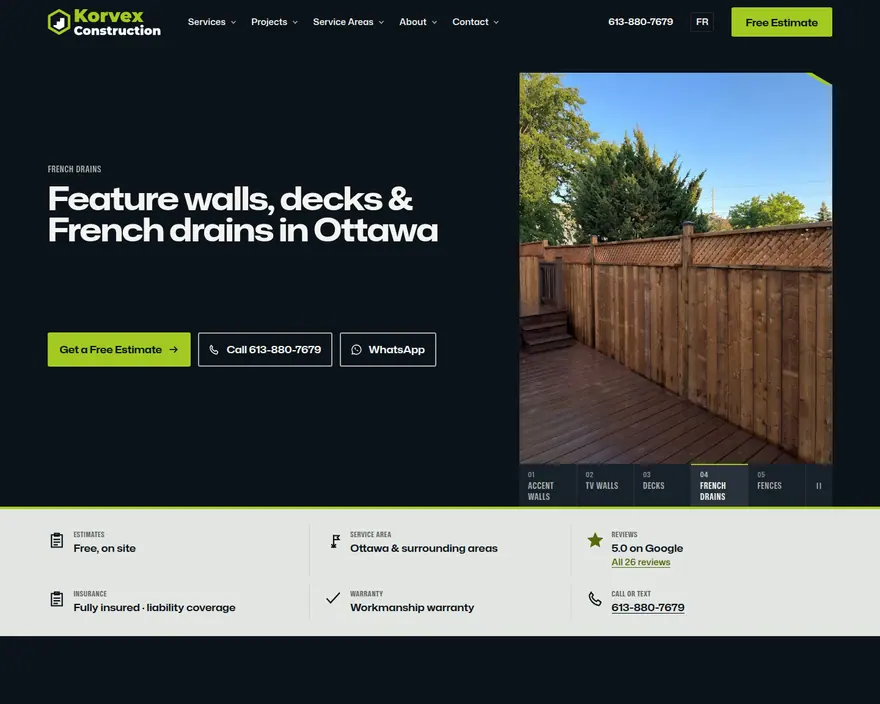
Korvex Construction, Ottawa: 67 quiz leads logged, 14 Aug – 26 Oct 2026. Read the case →
Website rescue and migration is the move of an old, broken or locked site onto a fast static build, or its recovery after a hack or a lost login. It is for small and mid-size businesses on Wix, Squarespace, WordPress or MODX that pay a monthly builder fee, fear every plugin update, or cannot get into their own admin. Moving or rebuilding the site has a fixed price, paid once, set in the written check. Hack clean-up and recovery of lost logins are quoted after the check, with the method described on the hacked website repair page; online stores are quoted separately. To start, answer the quiz on this page, or ask for a free site review and get a written check of what moves and what changes.
What changes when a site moves to a static build
A static build is a set of pages generated ahead of time and served from a global CDN. There is no PHP, no database and no admin login on the public server, which removes the usual ways into an old site and the update cycle that breaks it. Pages load from the nearest edge, so the first screen shows on a phone without waiting for a page builder, sliders or plugins.
What stays the same for your visitors: the texts, the photos, the menus, the forms and the addresses Google already knows. What changes for you: no monthly builder plan, nothing to update on the server, and changes to the site go through us or through the setup we agree with you.
Start with the quiz
The quiz below already knows you need a rescue. Five short questions, then a field for the address of your site. We reply with what we found and a written estimate.
What moves. Every page, the text and images, the blog posts, the menus, the contact forms and the SEO titles and descriptions you set in Wix.
What changes. Wix apps are replaced with plain equivalents: the contact form posts to your email or CRM, a booking app becomes a calendar link or an embedded booking tool, a gallery becomes a fast image grid. The Wix premium plan can be cancelled once the new site has run for a couple of weeks.
What stays. Your domain and email. Wix gives blog posts addresses like /post/your-title and pages the addresses you once typed or that Wix generated from page names. Each one either keeps its address or gets a 301 to a clean one, listed in the redirect map before the switch.
Squarespace to a static site
What moves. Pages, blog posts, galleries, forms, the navigation and the SEO fields. The Squarespace export file covers only part of the site, so we also collect every page by its address to make sure nothing is left behind.
What changes. Form blocks are rebuilt to send to your inbox or CRM; scheduling and member areas are connected through the tool you choose. The Squarespace subscription ends after the switch.
What stays. The domain, the email, and every address with search history: /blog/your-post and collection pages keep their path or get a 301.
WordPress to a static site: outdated, overloaded or hacked
What moves. Posts, pages, categories, media files, menus and the SEO data from Yoast or Rank Math, including titles, descriptions and canonical tags.
What changes. Plugins go. Each one is replaced by what it was doing: a form, a gallery, a map, a cookie notice. The PHP hosting account can be closed after the switch. An old theme that nobody can update becomes a clean template built for your pages.
What stays. Every post and page address. WordPress often has several addresses for one page (with and without a trailing slash, ?p= numbers, attachment pages), so the map sends each variant to one final address.
If the WordPress site was hacked, it is cleaned and its accounts are secured first, then moved. The static copy carries no PHP files, so the usual way back in is gone.
MODX to Next.js or a static build
What moves. Resources, templates, chunks rendered as plain pages, multilingual contexts and the friendly URLs MODX generated.
What changes. The MODX manager and its PHP stack leave the public server. Page templates are rebuilt as components, and the site is generated as static files or as a Next.js static export.
What stays. Every friendly URL, each language version on its own path, and the hreflang pairs between them.
This is the move we made with our own Canadian site, mmix.ca, on 29 October 2026.
Our own site: mmix.ca from MODX to static
Measure
Before (MODX, 28 Oct 2026)
After (static, 3 Nov 2026)
Mobile PageSpeed, home page
57
98
Largest Contentful Paint, home page
4.5 s
1.4 s
Mobile PageSpeed, /website-design-ottawa/
67
98
The static build carries 337 pages and a map of 77 redirects, with 0 PHP files on the public server. PageSpeed figures are Google PageSpeed Insights mobile runs; the "after" column is the median of three runs.
Lost admin access
Access to a site usually sits in three places: the domain registrar, the hosting account and the admin panel. We work out which of them you still control, then recover the rest through the registrar's and the host's own ownership procedures, with your documents. If a former developer or agency holds the accounts, we prepare the transfer request. Once access is back, every account is moved into your name and listed in a handover note.
Hacked site recovery
A hacked site is copied as it is for the record, cleaned, and its passwords, hosting keys and admin users are replaced. Then the entry point is closed: an old plugin, outdated PHP or a guessable admin login. Search Console is checked for security warnings and a review request is filed when Google flagged the site. After the clean-up the site either stays where it is with updates, or moves to a static build. The clean-up method is described in detail on hacked website repair.
How a rescue runs
A full copy first. Files, database, DNS records and the list of accounts, before anything is touched on the live site.
The written check. What is broken, what is outdated, which pages bring visitors and enquiries according to Search Console and analytics, and the fixed price for the move.
Work on a staging copy. The live site keeps running while we rebuild.
The redirect map. Every old address with impressions or links is listed with its new page.
The switch. The domain points to the new site, redirects go live, forms and phone links are tested the way a customer uses them.
Checks after launch. Search Console coverage, redirects, speed on a phone and the lead path, in the first days and again after a few weeks.
Other moves we have run
Crystal Tax: a site built in 2015–2016 stopped bringing enquiries in 2026. The diagnosis found a redirect loop that turned 45% of requests into 301 responses and an .htaccess rule that broke addresses; old aliases were mapped to their translations and the lead form was rebuilt so no request is lost. Read the case.
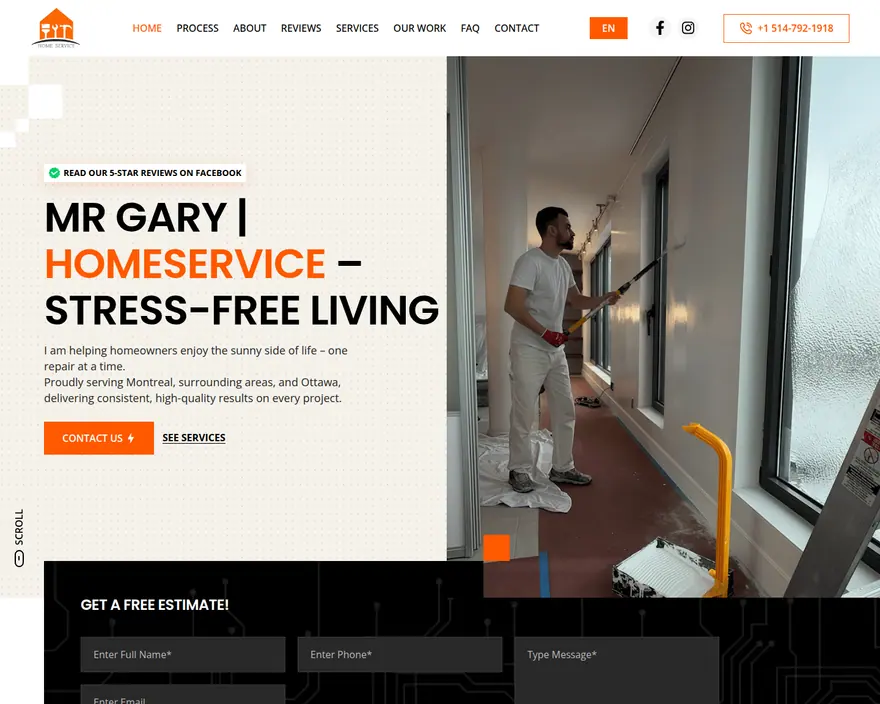
Mr. Gary, Montreal: a new bilingual site prepared on a staging address with redirects from every old address already configured, so the switch is a domain change without lost pages. Read the case.
Written by Maksym Stepanenko, founder of Marketing MIX. Last reviewed: 2026-11-04.
Documented project evidence
Selected work from the studio
Open a case to see the scope, the decisions, and the system that was delivered.
Send your site address. We look at the site, your ads and your search presence and send back what to fix first and a one-month plan. Ads management is quoted after the review.