


Website for plumbersthat sorts the burst pipe from the drip.
For plumbing companies and owner-operators who get both emergency calls and planned work. The site sends a flooding basement to the on-call plumber at once and books the water heater swap for Tuesday.

Where a plumbing business loses jobs
- 01
Emergencies hit voicemail
Water is coming through the ceiling, nobody answers, and the homeowner calls the next plumber on the list.
- 02
Planned work arrives as "call me"
A request that says only "toilet issue" means a phone round before you know if it is a flapper or a cracked bowl.
- 03
Jobs outside your area
Requests come from towns an hour away, and the drive kills the margin on a drain clearing.
What the plumbing site does
Emergency path
A red button on every page for burst pipes, sewage backups and no water. It shows the shut-off steps and alerts the on-call plumber by text.
Job type picker
Leaking tap, running toilet, clogged drain, water heater, sump pump or renovation rough-in, each with a few questions and a photo upload.
Service area map
A map and postal code check tell the customer at once whether you cover them and what the call-out fee is.
Flat-rate price list
From-prices for common jobs from your price book, so customers book with a figure in mind.
Dispatch integration
Requests drop into ServiceTitan, Housecall Pro or Jobber with the job type, photos and address, and the customer gets an arrival window.
Water heater and drain pages
Tank versus tankless, sizing by household and drain camera inspection explained, each page ending in a quote request.
From the leak to the paid invoice
- 01Searches urgentlyTypes "emergency plumber" or asks a voice assistant.
- 02Checks coverageEnters a postal code and sees the call-out fee.
- 03Picks the problemChooses the job type and adds a photo.
- 04Gets a windowReceives an arrival time by text from dispatch.
- 05Pays on sitePays the invoice by card link when the job is done.
The nearest project: WinterHelp.ca
The nearest project in our portfolio: WinterHelp.ca
Our nearest project is WinterHelp.ca, a bilingual winter services site we built with local pages by city and service, an emergency page and guides such as what to do with a suspected frozen pipe before it bursts. Each request is checked for duplicates, routed and delivered to the team as a short Telegram card with an email copy, and the form reports an error if delivery fails. A plumber can take the same guide-then-request pages and the delivery check.
Open the case: WinterHelp.ca →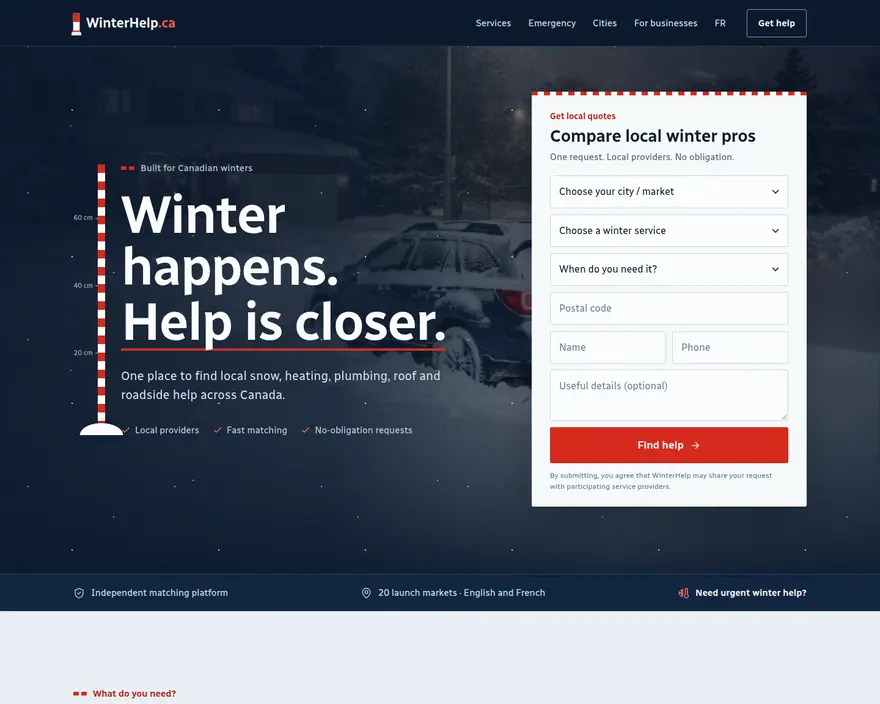
Tell us how your crew works
Send the company name, the towns you cover, your emergency hours and the dispatch software you use. We reply in writing with a plan and a fixed price.
- One-page site
- CA$500
- Multi-page site
- CA$1,000
+ HST, paid once. The price is fixed and confirmed in writing before work starts. Online stores and booking tied to a staff schedule are quoted after we review your request.
Can the site tell an emergency from a routine job?
Yes. The first question sorts the request. Emergencies alert the on-call phone at once, routine jobs go to the booking calendar.
Should I publish prices?
Publishing the call-out fee and from-prices for common jobs reduces price-shopping calls. Final prices are confirmed on site, as you do today.
Can customers send photos of the problem?
Yes. The form opens the phone camera, so a customer can send the leak, the data plate on the water heater or the shut-off valve.
Will the site work after hours?
The emergency path runs day and night and routes to whoever is on call that night. Routine requests outside hours get an automatic reply with the next opening.
Can the site rank for each town I serve?
Yes. We build a page per town with your real coverage, travel fee and jobs done there, written so search engines and AI assistants match you to local searches.
 MoversA moving company site that turns a visitor into a dated quote request with route, home size and inventory attached. →
 HandymenA handyman site that collects a list of small jobs with photos, prices the visit and books it into a route. →
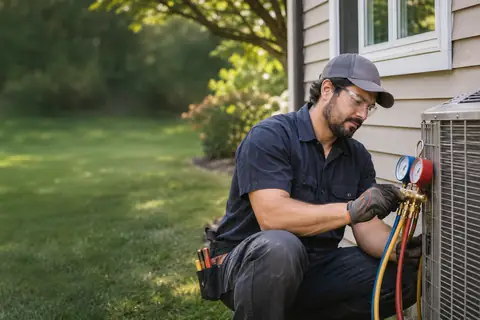 HVAC companiesAn HVAC site that books repairs by urgency, sells maintenance plans in the off-season and quotes replacements with financing. →
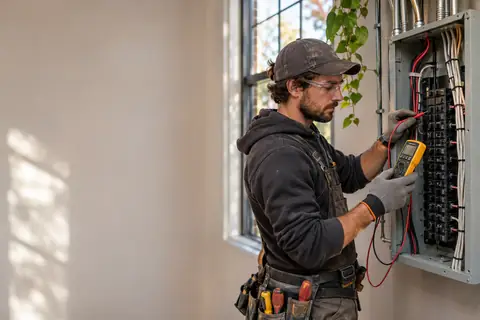 ElectriciansAn electrician's site that quotes panel upgrades, EV chargers and pot lights from photos and shows the licence up front. →
 RoofersA roofing site that books inspections, handles storm damage and insurance photos, and turns replacements into material choices with a quote. →
 Renovation contractorsA renovation contractor site that qualifies projects by scope and budget and shows finished rooms from real jobs. →